
How To Keep Your Emails Out of Spam When Selling Into Locked‑Down Organizations
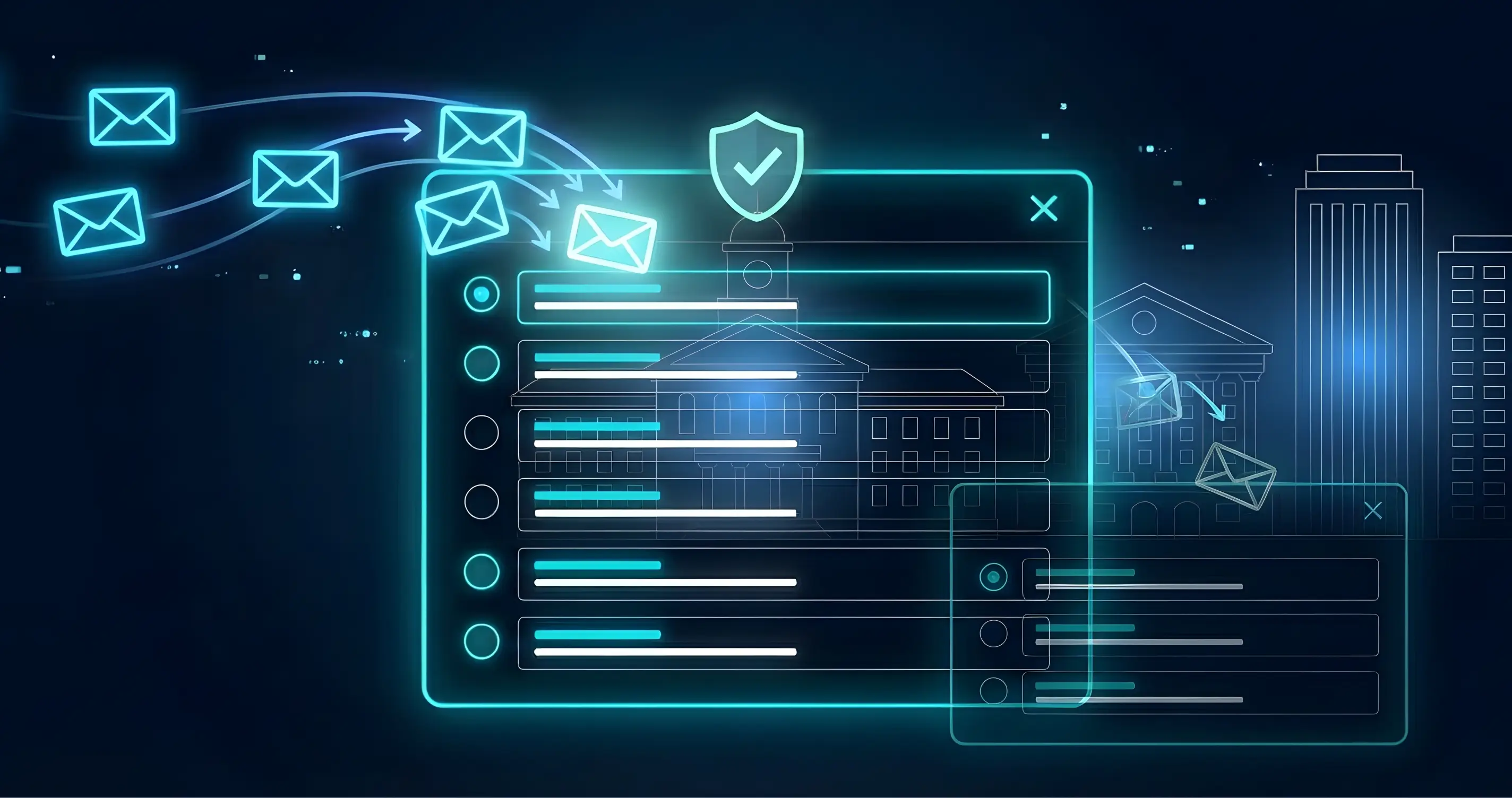
If you’re selling into school districts, municipalities, hospitals, Fortune 500s, or federal agencies, you’re not just fighting for attention—you’re fighting their security stack. Spam filters, firewalls, and strict policies mean a significant chunk of legitimate B2B email never reaches a human being.
The good news: deliverability is fixable. The bad news: you can’t fix it just by “writing better subject lines.” You need a combination oftechnical trust, smart sending behavior, and permission‑based outreachto consistently show up in the inbox.
In this post, I’ll walk through a practical framework you can apply for your own brand or your clients—especially when dealing with high‑security environments like schools and government.
Why Deliverability Is Now a Revenue Problem, Not an IT Problem
Inbox providers and secure gateways have shifted from content‑only checks (“do you say FREE!!!”) to a trust model:Who are you, how do you behave, and do people actually want your email?
Studies show that 15–17% of legitimate B2B marketing emails never reach the inbox at all, and around 10–16% go straight to spam. If you’re running outbound at scale, ignoring deliverability is like agreeing that 1 out of every 6 touches can be thrown away before prospects even see them.
That’s why email deliverability now sits at the intersection ofIT, RevOps, marketing, and sales. If any one of those ignores it, the whole motion suffers.
Step 1: Nail the Technical Foundation (SPF, DKIM, DMARC)
Before you worry about copy, you need to prove to inboxes that you’re a real, trustworthy sender.
Modern providers (Google, Microsoft, Yahoo, enterprise gateways) effectivelyexpect all serious senders to authenticate with SPF, DKIM, and DMARC.
SPF (Sender Policy Framework)tells receiving servers which IPs/services are allowed to send on behalf of your domain. Keep one clean SPF record, list only active senders, and stay under the 10 DNS‑lookup limit.
DKIM (DomainKeys Identified Mail)cryptographically signs each message, proving it wasn’t altered and genuinely came from your domain. Make sure every platform you use has DKIM enabled and passing.
DMARC (Domain‑based Message Authentication, Reporting & Conformance)ties SPF and DKIM together and tells inboxes what to do with failures. Start with
p=noneto monitor, review reports, then move toward quarantine/reject as your setup stabilizes.
As of 2024–2026, major providers have made these protocols effectively mandatory for bulk/marketing traffic; unauthenticated senders are throttled, spam‑foldered, or outright blocked.
If you serve clients, a “same‑day SPF/DKIM/DMARC audit” is one of the highest‑ROI technical projects you can run.
Step 2: Protect Your Core Domain and Warm Up Properly
One of the biggest—and most expensive—mistakes I see: blasting cold outbound from theprimary corporate domain.
Your main domain is how you send invoices, password resets, support emails, internal messages, and calendar invites. If you ruin its reputation, you’ve just created a company‑wide incident.
Stronger approach:
Use related, dedicated domains or subdomains for outbound.
Example:brand.comfor core operations,hello.brand.comortrybrand.comfor cold outreach. This isolates risk while keeping branding consistent.Warm up new domains/inboxes gradually.
Start with low, consistent volume (e.g., 30–50 emails/day), focus on warm/likely‑to‑engage contacts, and ramp over several weeks.Don’t mix warmup and cold at the start.
During warmup, send to people who will actually open and reply—internal teams, existing customers, close partners. Mixing in cold, low‑engagement emails too early can tank the reputation you’re trying to build.
Inbox providers treat a brand‑new domain like a brand‑new credit card: no history, low trust. Show them a slow, steady pattern of legitimate, engaged emails before you scale.
Step 3: Work With the Organization, Not Around It
This is huge for schools, municipalities, and big enterprises: theydo notlike random vendors sidestepping purchasing or spamming staff. Many even publish policies telling vendors exactly that.
Instead of fighting the system:
Win a sponsor and go “top‑down.”
Once you’re approved or in active conversations, ask your sponsor (purchasing, department head, comms team) to send an internal announcement from their own domain introducing you: who you are, what you do, and what staff should expect next.Ask to be added to internal allowlists.
With authentication in place, you can give IT/security your sending domain(s), ESP, and IP ranges and request to be permitted at the email gateway. This is common practice in larger orgs with strict filters.
Now, when you email individual schools, departments, or locations, your message is bothtechnically trustedandcontextually expected, which is the winning combo.
Step 4: Make Whitelisting Dead Simple for End Users
Even when IT helps, end users sometimes still need to mark you as “safe.”
Create a short help page or PDF you can send or your sponsor can host, showing how to whitelist your emails in common clients:
Gmail:Add your address to Contacts and/or create a filter where
From: @yourdomain.com→ “Never send it to Spam.”Outlook (desktop + web):Add your address/domain toSafe Senders and Domains(or Safe Senders list under Junk options).
Make it a 10‑second, screenshot‑driven guide. That one asset can dramatically reduce “I never saw your email” complaints.

Tired of the steps yet?
Wait til you see the references and additional info below. I use the powerful, all-in-one marketing tool Wingman to automate my emails, handle social media scheduling, and implement my AI Employee.
Step 5: Shift From “Spray and Pray” to Permission‑Based Outreach
Filters and humans dislike the same things: irrelevant blasts, bad targeting, and no easy way to opt out.
If you’re selling into locked‑down orgs, your motion should look more like this:
Phone or in‑person first, email second.
Use the phone or meetings to find the real decision‑maker, ask if they’re open to ideas, and confirm the best email. Then send a short follow‑up they’re expecting. This reduces spam complaints and boosts engagement, which both improve your reputation.Use events, mailers, and forms to collect explicit opt‑ins.
Conferences, vendor fairs, physical mailers with QR codes—these are all opportunities to drive people to a landing page where theyaskto get more information. Those contacts should live in a higher‑trust, higher‑priority list.Continuously prune unengaged contacts.
Leaving thousands of non‑openers in active sequences trains inboxes that your email is low‑value. Implement rules to pause/remove recipients who haven’t opened or clicked after a defined number of touches, and run re‑engagement campaigns on a separate track.
When you combine consent, relevance, and strong targeting, deliverability problems drop and reply‑rates rise. The same things that make filters happy make humans happy.
Step 6: Write Emails That Look Like Real 1:1 Messages
You can have perfect SPF/DKIM/DMARC and still get junked if your emailslook and behavelike spam.
Most deliverability checklists converge on similar advice:
Keep it short and plain.
Aim for ~50–125 words in cold or semi‑cold emails. Use light HTML or plain text, minimal links, and avoid giant images or heavy templates.Ditch obvious spam triggers.
Avoid all caps, excessive punctuation, and over‑hyped phrases (“FREE!!!”, “Act now!!!”, “Guaranteed”). Filters still flag these patterns, and they kill trust with humans anyway.Make opting out easy and visible.
Whether it’s a one‑click unsubscribe or a clear “Reply ‘no’ and I’ll close the loop,” lowering the friction to opt out is the best insurance against spam complaints. And spam complaint rate (aim for ≤0.1–0.3%) is one of the most important metrics inbox providers look at.
If your email reads like a professional human reaching out with a specific reason, both people and filters will treat it better.
Step 7: Monitor Deliverability Like a KPI
You can’t improve what you don’t measure. Treat deliverability like uptime or revenue:
Watch the core metrics.
Monitor bounce rate, spam complaint rate, open rate, reply rate, and inbox placement by provider (Gmail, Outlook, etc.). Targets: bounces under ~2–3%, spam complaints under ~0.1–0.3%, and inbox placement above ~85%.Use the right tools.
ESP dashboards, Google Postmaster, and DMARC report tools all help you see when reputation starts to slip so you can fix issuesbeforeyour pipeline dies.
Most teams only notice deliverability when replies fall off a cliff. By then, your domain is often already throttled. Don’t wait that long.
A 7‑Day Action Plan You Can Run Right Now
If you want a concrete starting point, here’s a one‑week sprint you can implement for yourself or a client:
Audit authentication and domains.
Verify SPF, DKIM, and DMARC are present, correct, and passing for all sending domains. Split cold outbound onto a dedicated (sub)domain if needed.Start or fix warmup.
Warm any new outbound domains/inboxes slowly with warm contacts, not cold campaigns.Secure internal sponsors in key accounts.
For high‑security orgs, ask for internal announcement emails and introductions to IT to discuss allowlisting.Create a whitelisting how‑to asset.
One simple guide for whitelisting in Gmail/Outlook will serve you across multiple clients and verticals.Rewrite your core outbound templates.
Make them shorter, more specific, more human, and add an easy, respectful opt‑out.Implement list hygiene rules.
Automatically pause or remove non‑engagers and run separate re‑engagement campaigns.Set up monitoring and ownership.
Decide who owns deliverability, what will be tracked weekly, and how issues get escalated.
Do this once and you’ll see a lasting lift in how often your emails actually land where they’re supposed to—especially in locked‑down environments like schools and government.
Here’s a plug‑and‑play FAQ/AEO block you can bolt onto the bottom of that blog post, plus AI‑optimization tweaks baked into the questions and answers.
FAQs: Keeping Emails Out of Spam in Locked‑Down Organizations
Why do my emails to schools, governments, and enterprises keep going to spam?
High‑security organizations route email through advanced gateways that aggressively filter anything that looks unauthenticated, bulk, or unsolicited. They combine reputation signals (SPF/DKIM/DMARC, domain age, complaint rate), content analysis, and user engagement to decide what lands in the inbox.
What technical steps improve email deliverability the fastest?
The fastest wins usually come from correctly implementing SPF, DKIM, and DMARC for your sending domains, then warming those domains slowly while keeping bounces and spam complaints low. Proper authentication and gradual warmup give inbox providers confidence that you’re a legitimate sender, not a botnet or spammer.
Should I send cold outbound from my main company domain?
It’s safer to avoid heavy cold outbound from your primary domain and instead use a related subdomain (for example,outreach.yourbrand.com) or alternate domain. This protects critical communications—like invoices and support emails—if a campaign damages reputation or triggers spam filters.
How do I warm up a new email domain for outreach?
Start by sending a small number of emails per day from your new domain to warm contacts who are likely to open and reply, then gradually increase volume over several weeks. Maintain consistent sending patterns and avoid adding large cold lists during warmup, since poor engagement early on can permanently hurt that domain’s trust score.
How can I work with internal sponsors to avoid spam filters?
Once you have a relationship or vendor status, ask your internal sponsor to send an organization‑wide introduction from their own domain that explains who you are, why you’re reaching out, and what staff should expect. You can also request an introduction to IT or security so they can consider allowlisting your domain or IPs at the gateway level.
What is email whitelisting and how do I help users do it?
Whitelisting means a recipient or IT department explicitly marks your address or domain as safe, telling filters to deliver your messages to the inbox. You can support this by providing simple instructions for adding you to Safe Senders in Outlook or creating “never send to spam” filters and contacts in Gmail so your emails bypass junk folders.
How do I write emails that are less likely to be flagged as spam?
Short, plain, specific emails with clear intent perform best: use simple HTML or plain text, limit images and links, avoid shouty copy, and make it obvious why you’re reaching out. Including a clear opt‑out or simple reply‑to‑unsubscribe option helps lower spam complaints, which is one of the most important deliverability signals.
Here’s a clean “References / Further Reading” section you can paste under the FAQ block. You can tweak labels or order to match your style.
References & Further Reading
Egen Consulting – “Email Deliverability in 2026: SPF, DKIM, DMARC Checklist for SMBs” (2026) – Overview of modern deliverability fundamentals and authentication requirements.
emfluence – “The Ultimate Guide to Email Deliverability in 2026” (2026) – How engagement, authentication, and content quality drive inbox placement.
Prospeo – “Email Deliverability Guide for 2026: Fix It at the Source” (2026) – Practical guide to list hygiene, domain reputation, and compliance.
WordStream – “The Complete Email Deliverability Checklist for 2026 (+Tools & Tips)” (2026) – Step‑by‑step checklist for SPF, DKIM, DMARC, and content best practices.
DMARC Report – “Improve Deliverability Using Email DMARC Check Plus Robust SPF & DKIM Alignment” (2025) – Deep dive into how DMARC alignment and proper DNS configuration improve deliverability.
Mailtrap – “Email Deliverability: Tutorial & Best Practices” (2025) – Tutorial on how providers evaluate sender reputation, volume, and engagement.
Mission Inbox – “Email Deliverability Best Practices 2026: What’s Changed and What Hasn’t” (2025) – What still matters (authentication, reputation) and what’s changed recently.
Hypergen – “9 Effective Ways to Warm Up Your Email Domain for Cold Outreach” (2026) – Why domain warmup matters and how to do it safely.
Mailreach – “Warm Up Your Email Domain the Right Way in 2026” (2026) – Recommended timelines, engagement tactics, and metrics for safe warmup.
Instantly – “How To Warm Up an Email Domain For Safer, Stronger Cold Outreach” (2025) – Practical sending volumes and 3–4 week warmup recommendations.
Clean Email – “How to Whitelist an Email in Gmail, Outlook, and Yahoo” (2023) – Step‑by‑step whitelisting instructions for major providers.
Mailmeteor – “How to Whitelist an Email in Gmail, Outlook, Yahoo, and More” (2025) – User‑friendly guide to safe senders and filters.
Fyxer – “How to Whitelist an Email in Gmail, Outlook, and Apple Mail” (2025) – How safe sender lists help ensure important emails bypass spam.
PowerDMARC – “Email Deliverability Best Practices: Boost Inbox Rates” (2025) – How to improve sender reputation and avoid filters with SPF/DKIM/DMARC and good sending habits.
How to Cite This Article
APA style
Kelley, J. (2026).How to keep your emails out of spam when selling into locked‑down organizations. John the Marketer. Retrieved fromhttps://johnthemarketer.com/email-deliverability-locked-down-organizations
MLA style
Kelley, John. “How to Keep Your Emails Out of Spam When Selling Into Locked‑Down Organizations.”John the Marketer, 2026,https://johnthemarketer.com/email-deliverability-locked-down-organizations
Chicago style (web)
Kelley, John. “How to Keep Your Emails Out of Spam When Selling Into Locked‑Down Organizations.”John the Marketer. Accessed 2026.https://johnthemarketer.com/email-deliverability-locked-down-organizations